AI Foundations: helping a whole workforce use AI with good judgment
A large Canadian pension and investment organization rolled out enterprise AI tools to its whole workforce and needed a short course that would still be accurate a year later. I took it from client consultation through storyboard, Rise build and two motion graphics videos.
Client
Canadian pension and investment organization, via The Learning Designers
Audience
All employees, especially new hires in their first year
Format
Rise 360 e-learn, about 20 minutes, with two animated videos
My role
Consultation, storyboard, Rise development, video production
Standards
WCAG 2.2 AA and AODA, tested with NVDA
Timeline
Storyboard May 2026, course built June 2026
Client name and internal tool names are withheld. The learner scenarios and design decisions are shown as delivered, and client names are removed from screenshots.
01
The brief
The client had rolled out Microsoft Copilot and an in-house AI assistant, but had no foundation course: one short module every employee could take to understand AI, prompt it well and follow the organization's rules. The source was a 35-slide internal deck. The brief asked for 20 minutes, three objectives, knowledge checks throughout, and content that would stay useful as the tools changed.
AI moves faster than e-learning. The real challenge was a course about AI that wouldn't be out of date on launch day.
02
Try it: Build a prompt with Reese
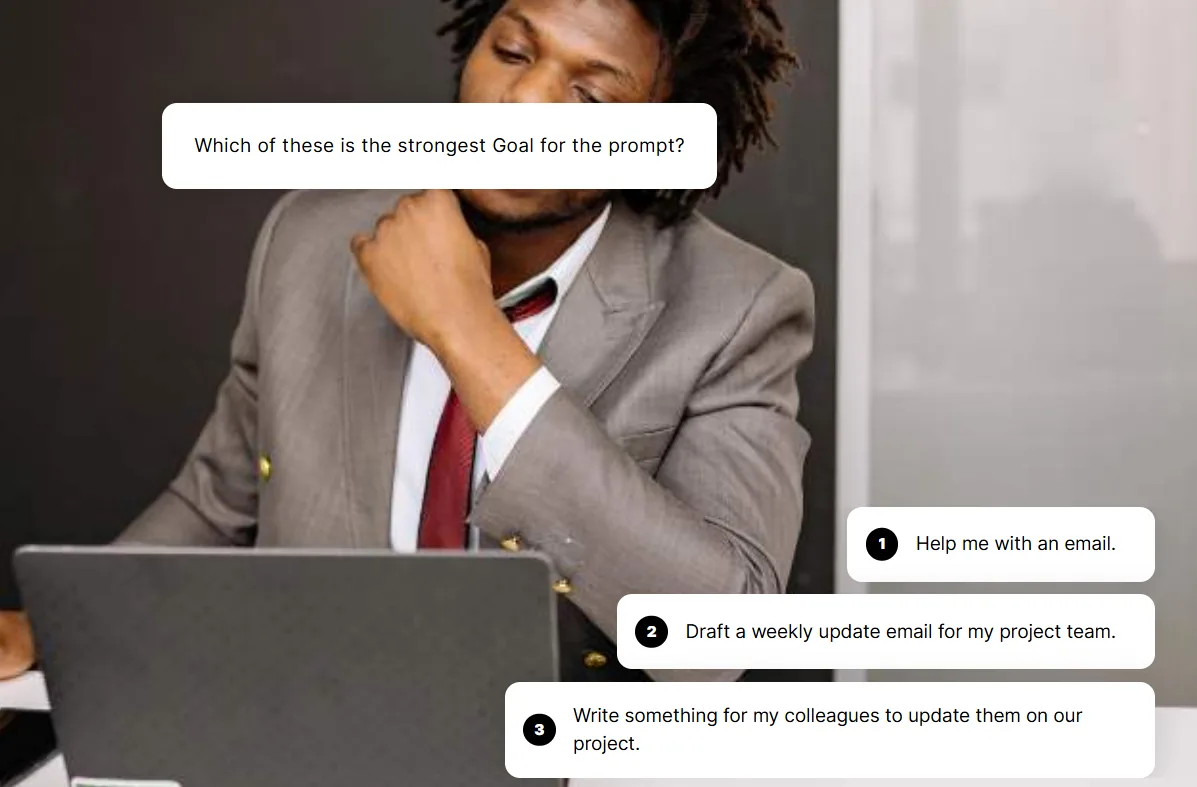
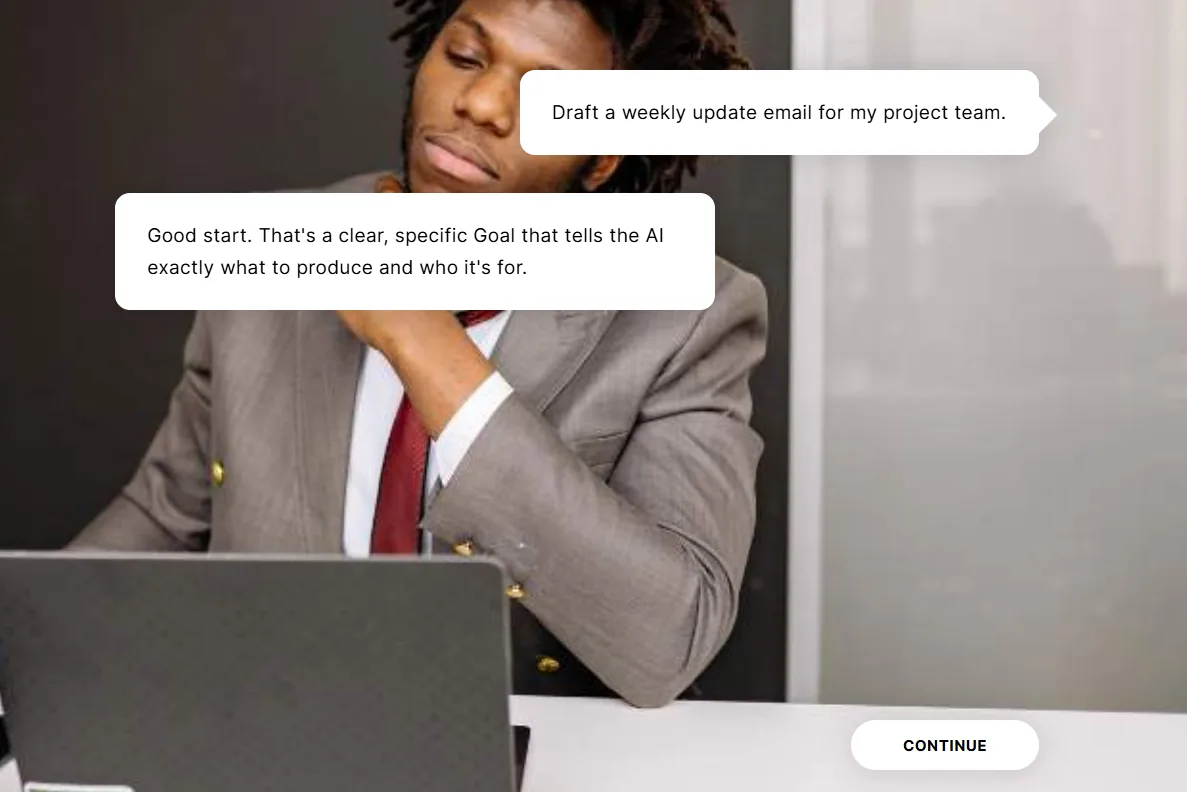
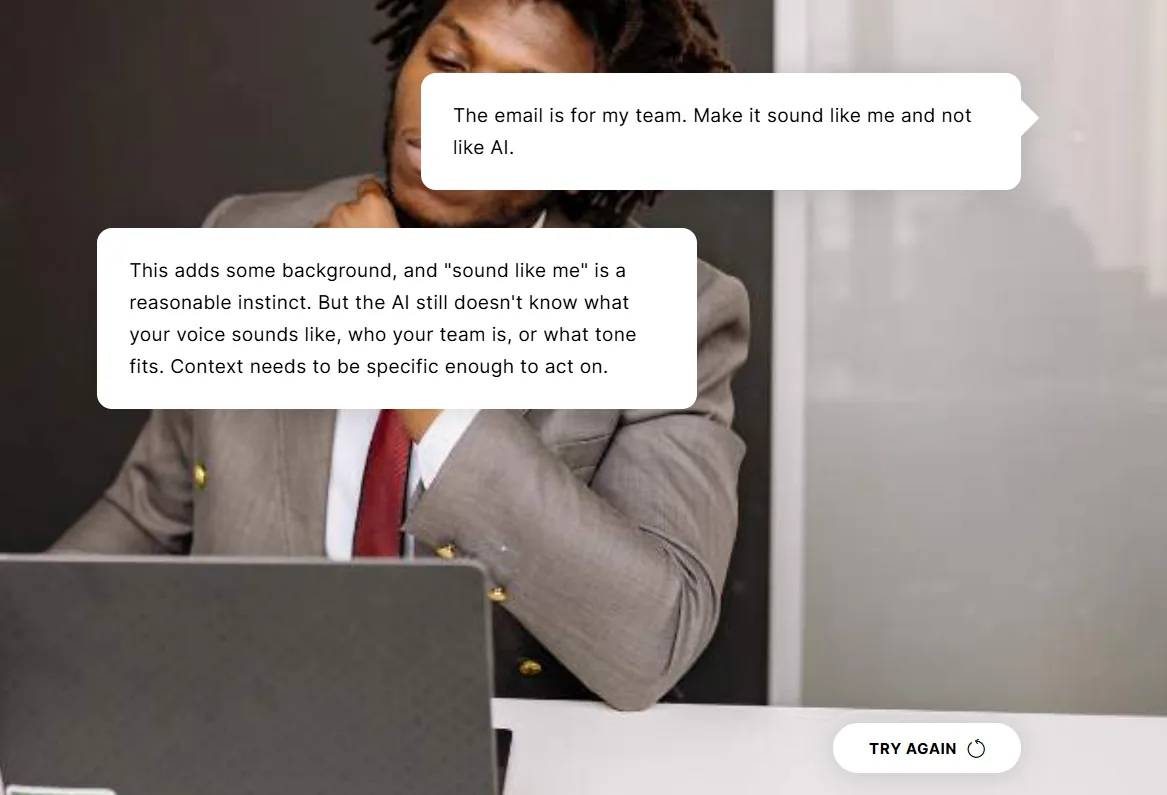
I built this activity with Rise's Scenario block, using its character, dialogue and choice structure to put learners in Reese's seat. Instead of recalling a definition, they make the decisions Reese faces at work, one GCSE element at a time: Goal, Context, Source and Expectations. Each choice branches to its own feedback. Stronger choices move the scenario forward, and weaker ones explain what's missing and send learners back to try again.
Here it is rebuilt for the web. The prompt assembles as you go.
Scene 1 of 4Reese's weekly update
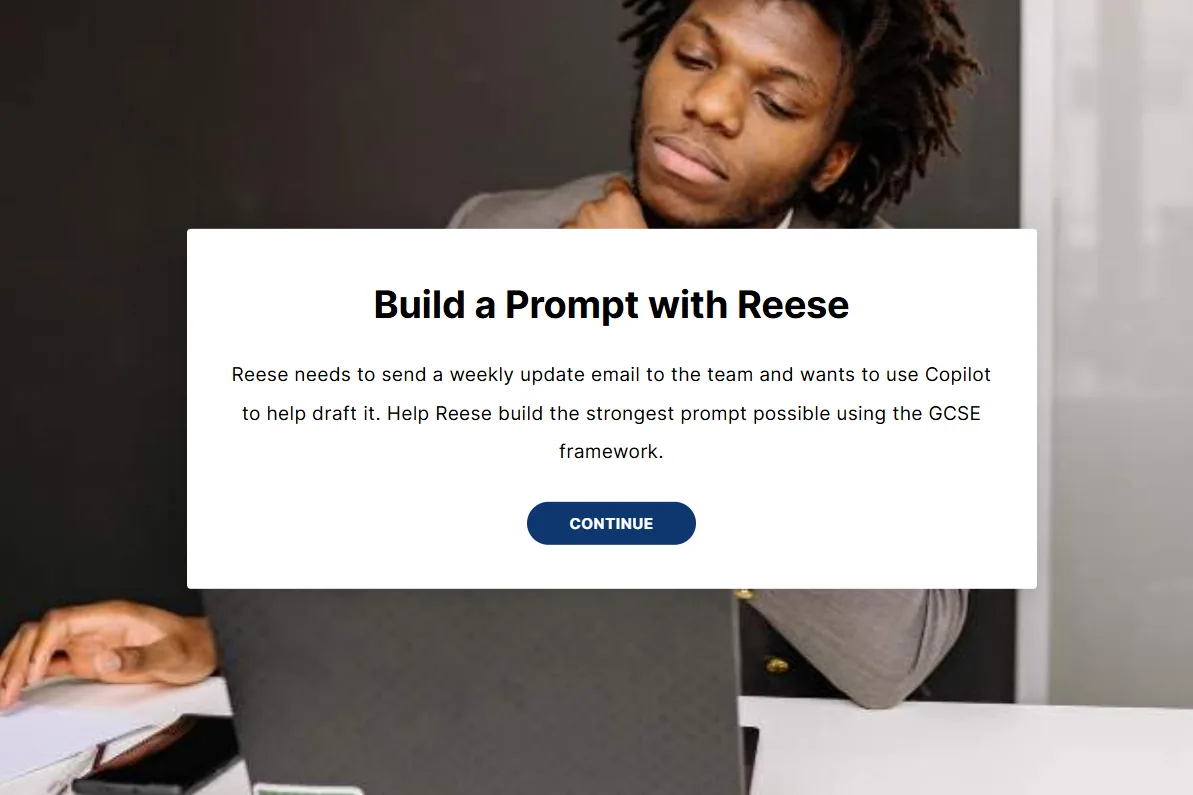
Reese needs to send a weekly update email to the team and wants Copilot to help draft it. Help Reese build the strongest prompt.
Reese's prompt so far
GoalContextSourceExpectations
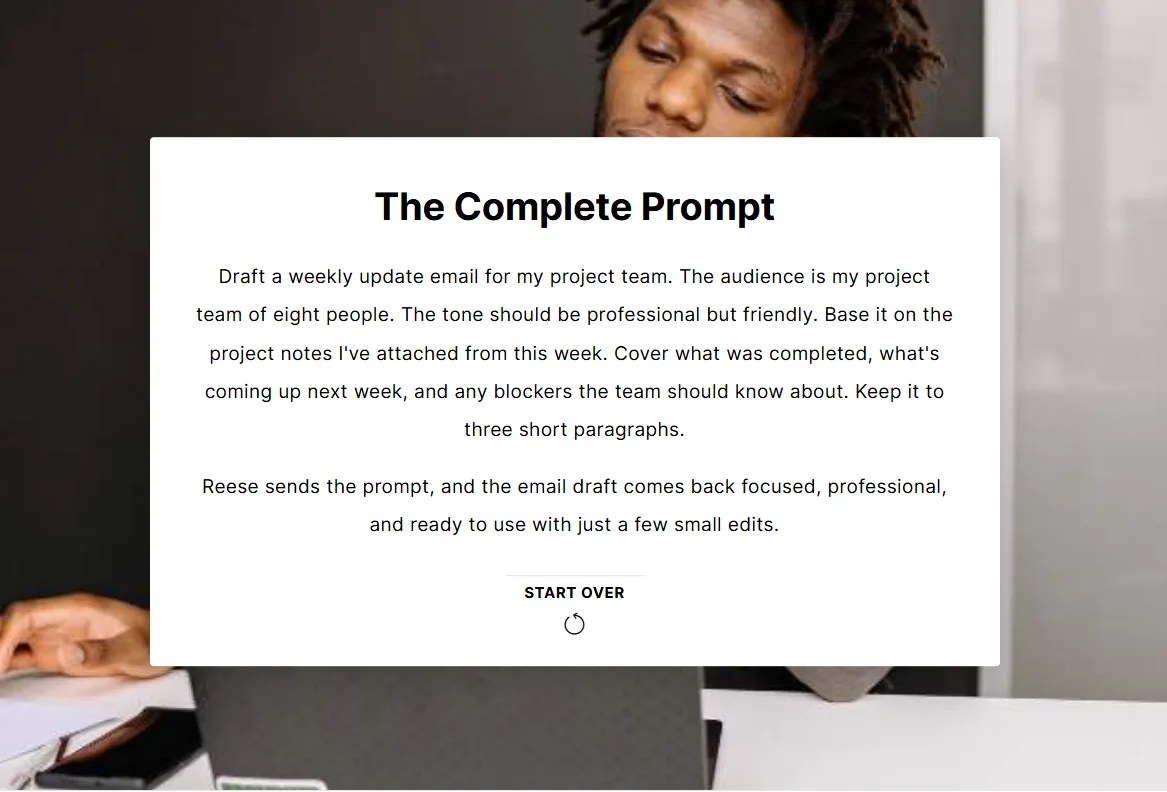
The complete prompt
Reese sends it, and the draft comes back focused and professional, ready to use after a few small edits.
The same activity in the finished course, built with Rise's Scenario block:
SetupChoose a GoalStrong choice: feedback, then continueWeaker choice: feedback, then try againThe complete prompt
03
Design decisions
Separate what lasts from what changes
Durable ideas carry the course: what generative AI is, four responsible AI principles, the GCSE framework and review-before-you-use. Tool features sit in one dated section, and the course ends by pointing to the live learning hub where those details stay current. Before storyboarding, I also asked how this course differed from an existing governance course. Nobody had flagged the overlap, so the client added their governance team as a reviewer.
One character, one Monday morning
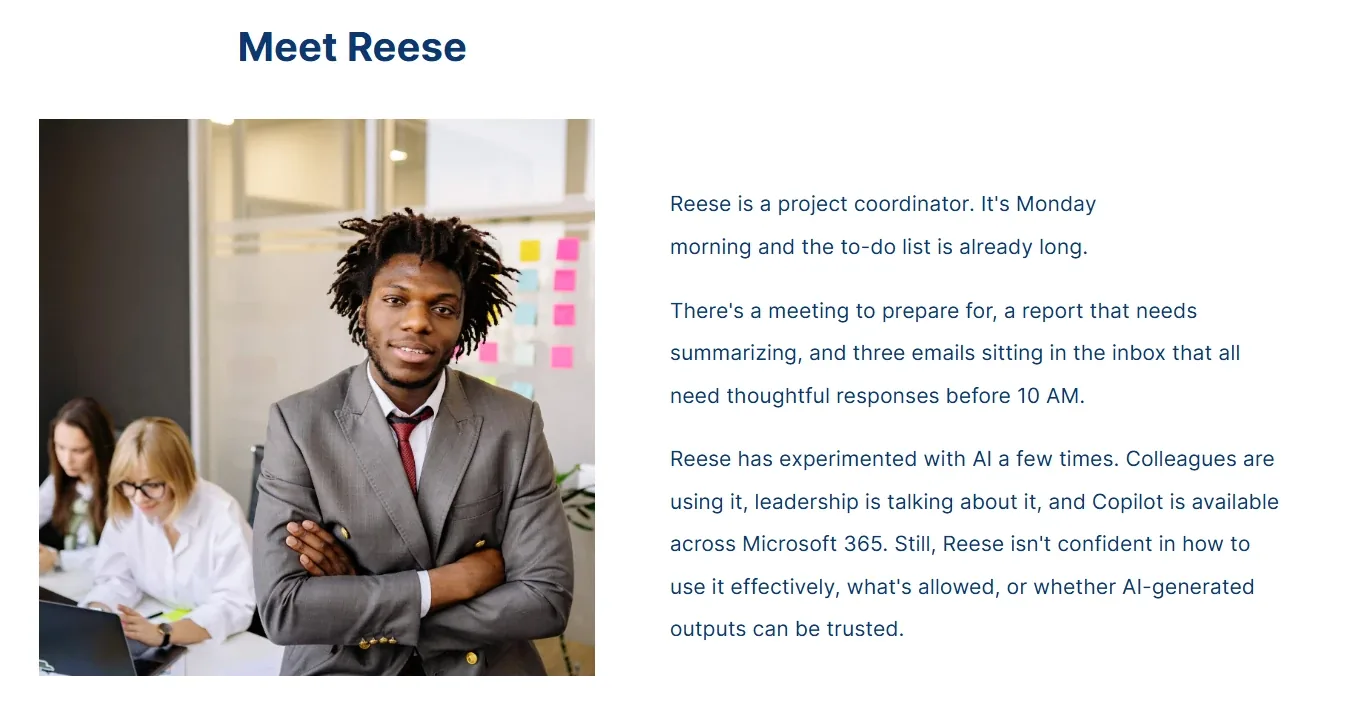
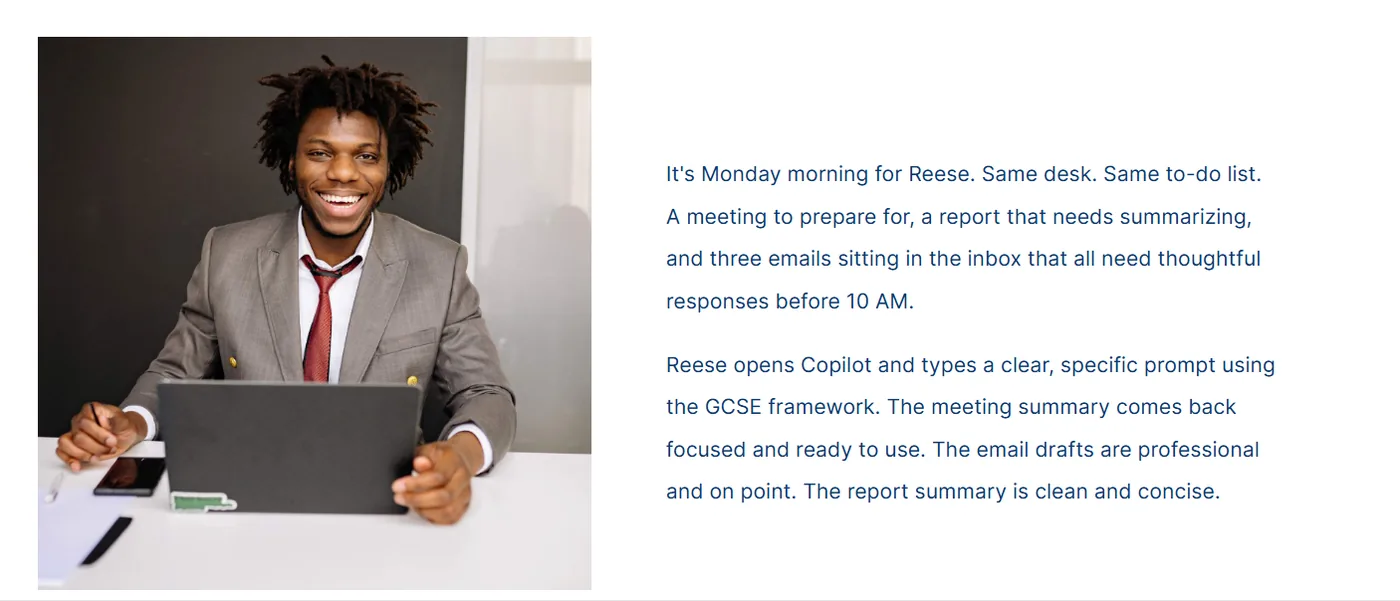
Every scenario is a moment in the day of Reese, a project coordinator who has tried AI but isn't sure what's allowed or whether to trust it. The course ends at the same desk with the same to-do list, now handled with confidence.
Opening: Reese is unsure what's allowed and whether to trust the output.Closing: same desk, same to-do list, handled with confidence.
Wrong answers based on real misconceptions
Every distractor is something a reasonable employee might actually do, and the feedback explains why it falls short.
Misconceptions the scenarios target
The tempting answer
Why it's wrong
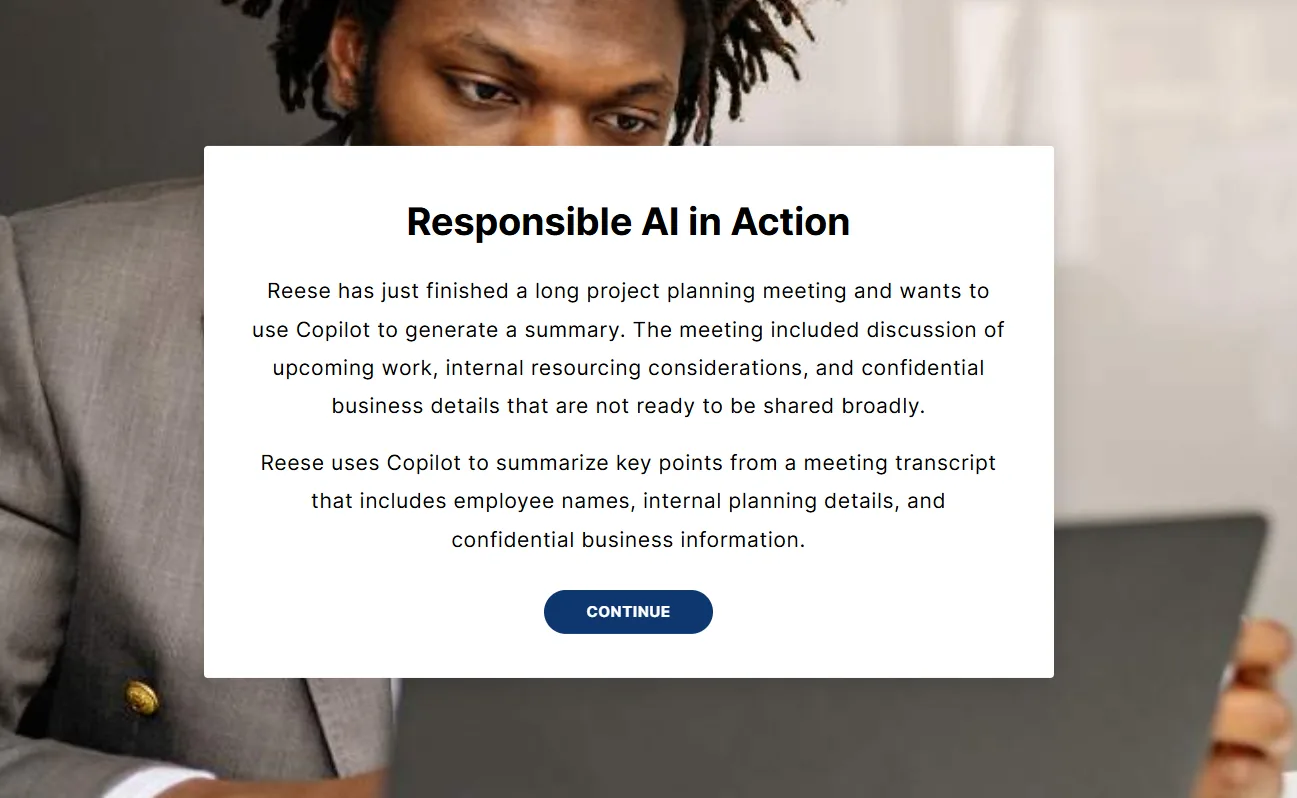
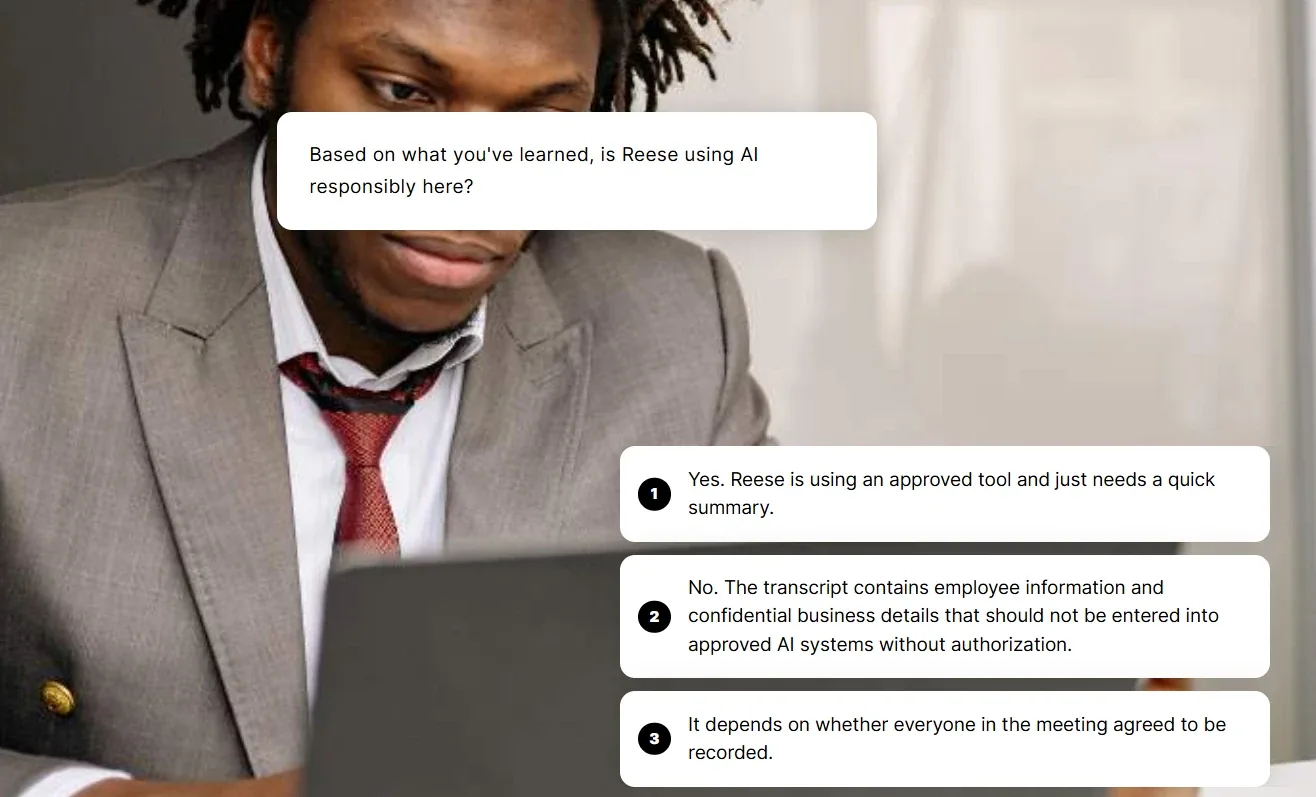
"It's an approved tool, so I can paste in the whole meeting transcript."
An approved tool doesn't make every input appropriate.
"I'll ask the AI to check its own summary."
AI often confirms its own mistakes. A person does the final review.
"External meetings should never be transcribed."
An overcorrection. Ask participants first and respect any objection.
Scenario block setup: a real workplace situation.Three plausible answers. Only one addresses what's being entered, not just which tool.
04
Motion
I scripted, storyboarded and produced two short motion graphics videos. Both use a generic chat window instead of a real product's screens, so a tool redesign won't date them.
Prompt engineering explainer, about two minutes, with captions.Read the transcript
Imagine you're prepping for an important meeting. You open your AI assistant and type: "Help me with my meeting." The response is generic: tips for running meetings, advice on agendas. None of it is what you actually needed.
So you try again: "Summarize the key updates so I can brief my team at our meeting tomorrow. Use the project status report I uploaded. Focus on milestones, any delays, and next steps. Keep it concise and use plain language." The response is completely different. Focused, relevant, and actually useful.
Same tool. Same task. Completely different result. How you communicate with AI determines what you get back. Vague input, vague output. Clear, specific input gives you something you can actually use.
That's prompt engineering: crafting your requests thoughtfully so the AI gives you the most accurate, relevant, and useful response.
A strong Copilot prompt comes down to four parts: Goal, Context, Source, and Expectations. GCSE. Together, they form a simple framework that gets you better results from any AI tool.
Your Goal is what you want the AI to do. Be specific about the task and the outcome.
Your Context is the background that helps the AI understand why you need it and who's involved.
Your Source is what the AI should draw from. Point it to the right document, data, or reference so it works from the right foundation.
Your Expectations define how the AI should respond: the format, tone, and length.
Goal. Context. Source. Expectations. Four parts. One clear prompt. And a result that works.
05
My process: where AI helped, and what stayed human
The work that mattered most was human: the client questions, the durable-versus-dated split, Reese, and choosing which mistakes to teach. AI sped up the rest. Only material the client was comfortable sharing went into an AI tool, and nothing confidential did.
1. Research and organizing
AI draft, human check
What AI did
Turned the 35-slide deck into an outline mapped to the objectives, using Claude, ChatGPT and Gemini (the client's own tool).
What I did
Checked it against the policy slides and cut what the governance course already covered.
2. Brainstorming scenarios
AI brainstorm, SME reality check
AI first draft
Generic examples that sounded plausible but didn't match real work.
What I did
Asked the SME for real situations. They became Reese's scenarios.
Built to WCAG 2.2 AA and AODA from the storyboard on: transcripts for every video, alt text planned per image, descriptive link text, brand colours checked for contrast, and keyboard and NVDA testing in Edge and Chrome.
07
Outcome
2Storyboard rounds, draft to final, in under three weeks
~30%Less development time than my usual process
All staffRolled out across the whole organization
What learners said
Summarized from learner feedback, not direct quotes.
They felt more comfortable and confident using the organization's AI tools.
The course was easy to understand, without jargon.